
01
All your trips in one place
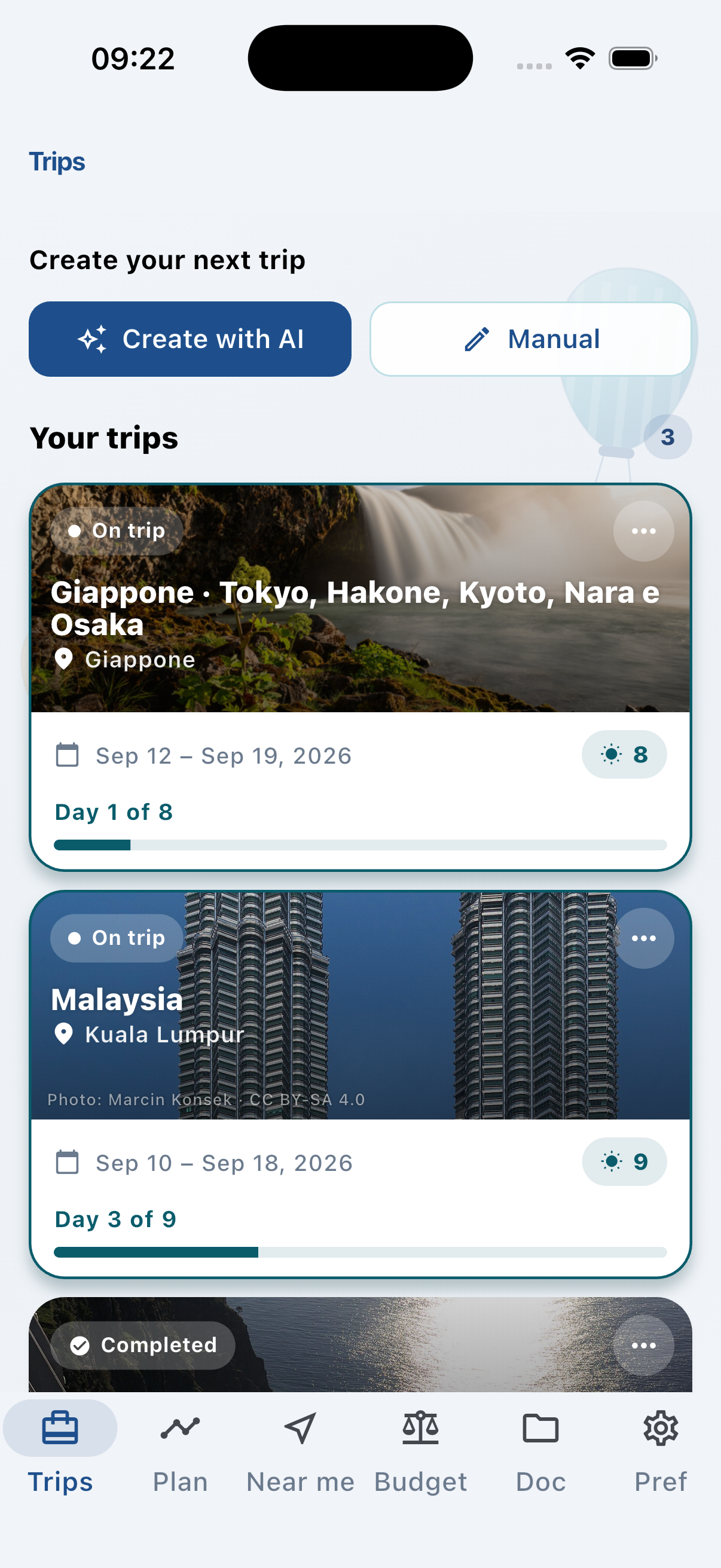
Create a trip manually or with AI. See dates, progress, and destination at a glance — including a demo trip to try right away.
App preview
Real screenshots from the app — trips, timeline, shared expenses, and your itinerary on your wrist.
Create a trip manually or with AI. See dates, progress, and destination at a glance — including a demo trip to try right away.
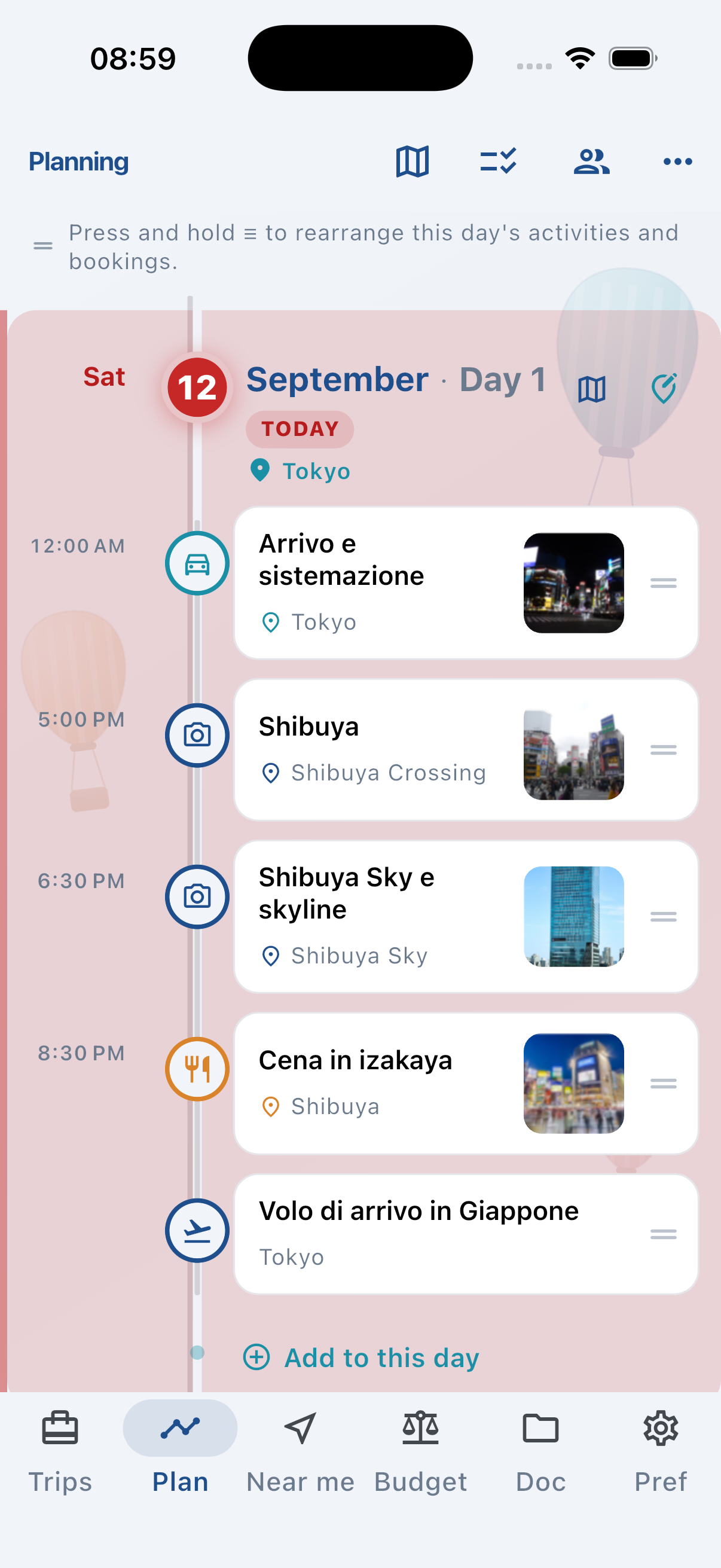
Timeline with places, bookings, and activities. Scroll through trip days, open the map, and stay organized before and during travel.
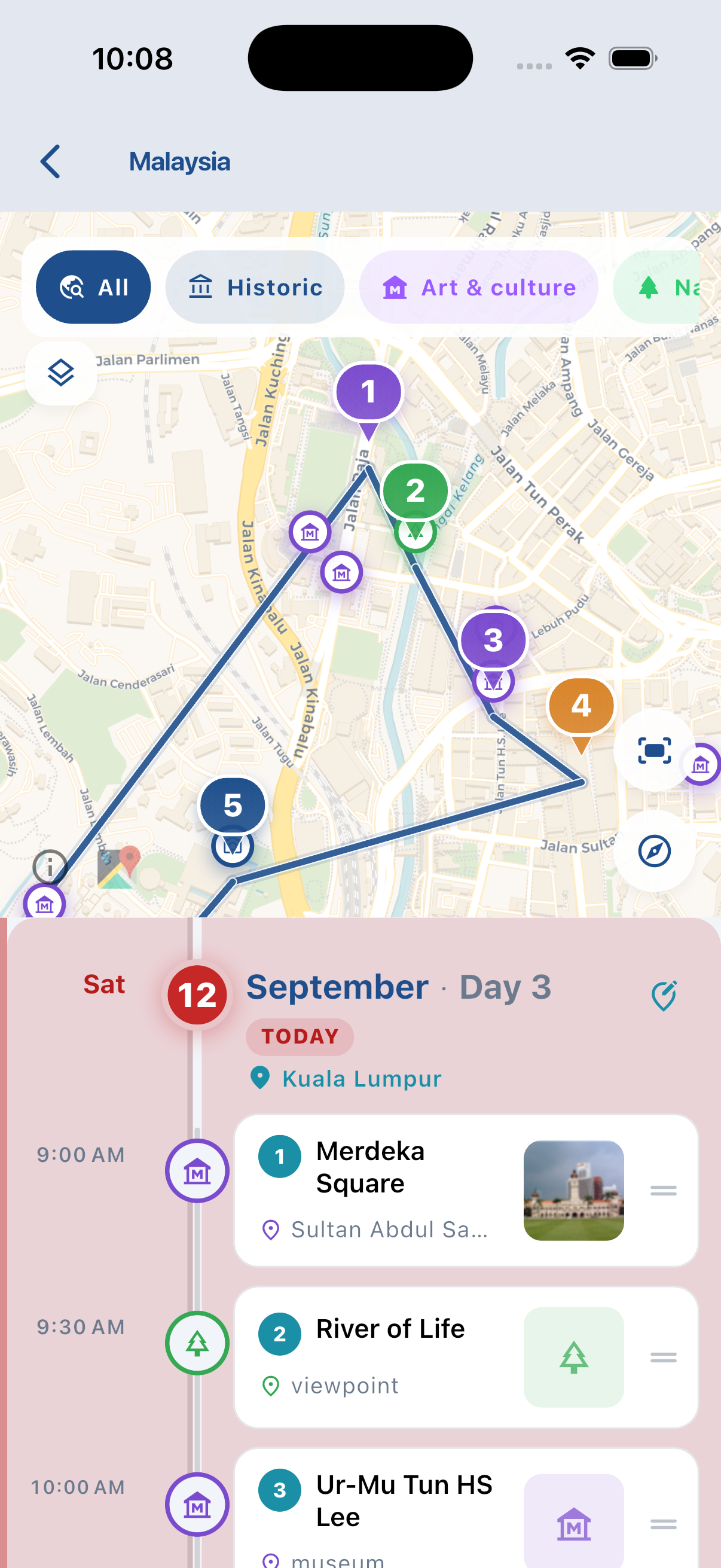
See the day’s route on the map, with numbered stops and the timeline underneath. Scroll activities and the view follows the trip.
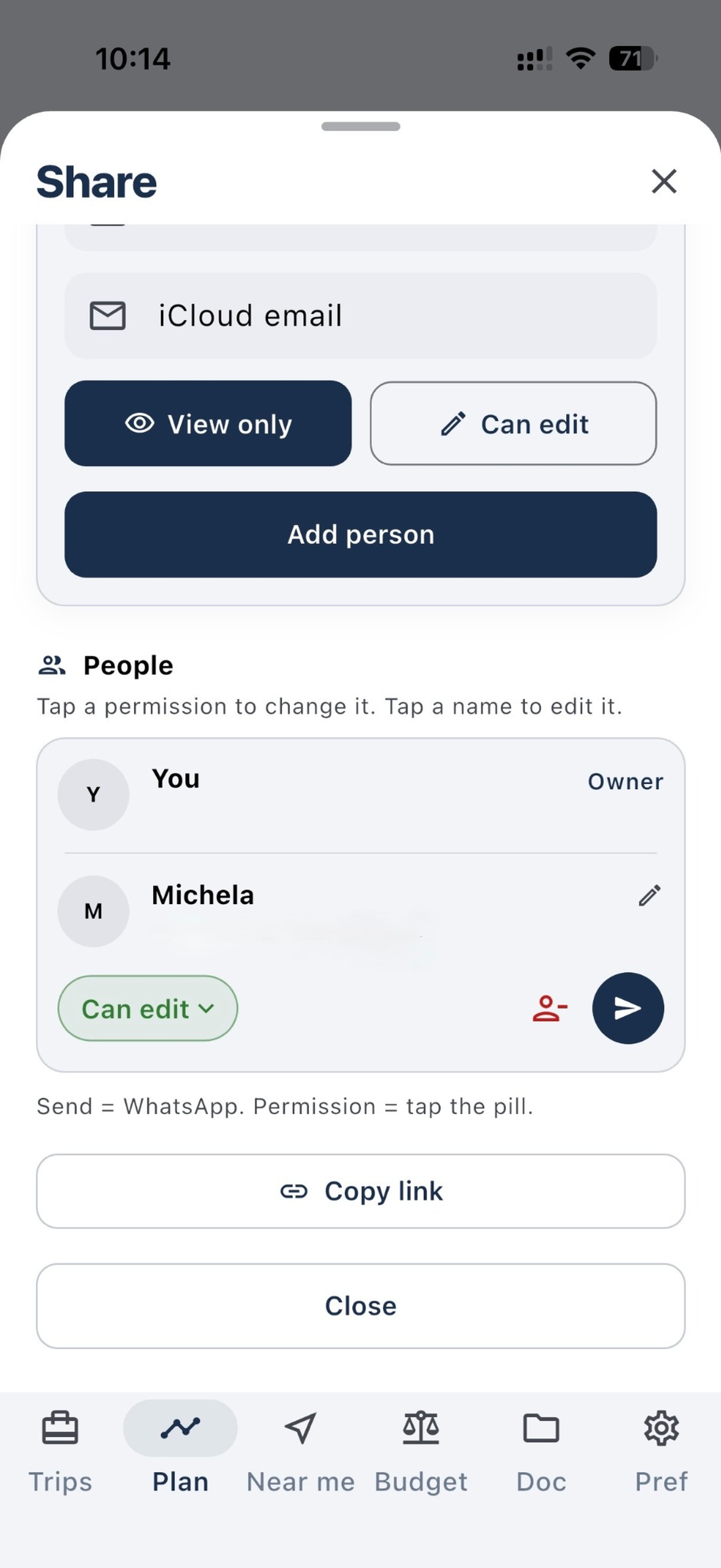
Share the trip via iCloud: up to 4 invitees on Plus (2 editors) or up to 9 on Max. Everyone sees the same plan, updated in real time.
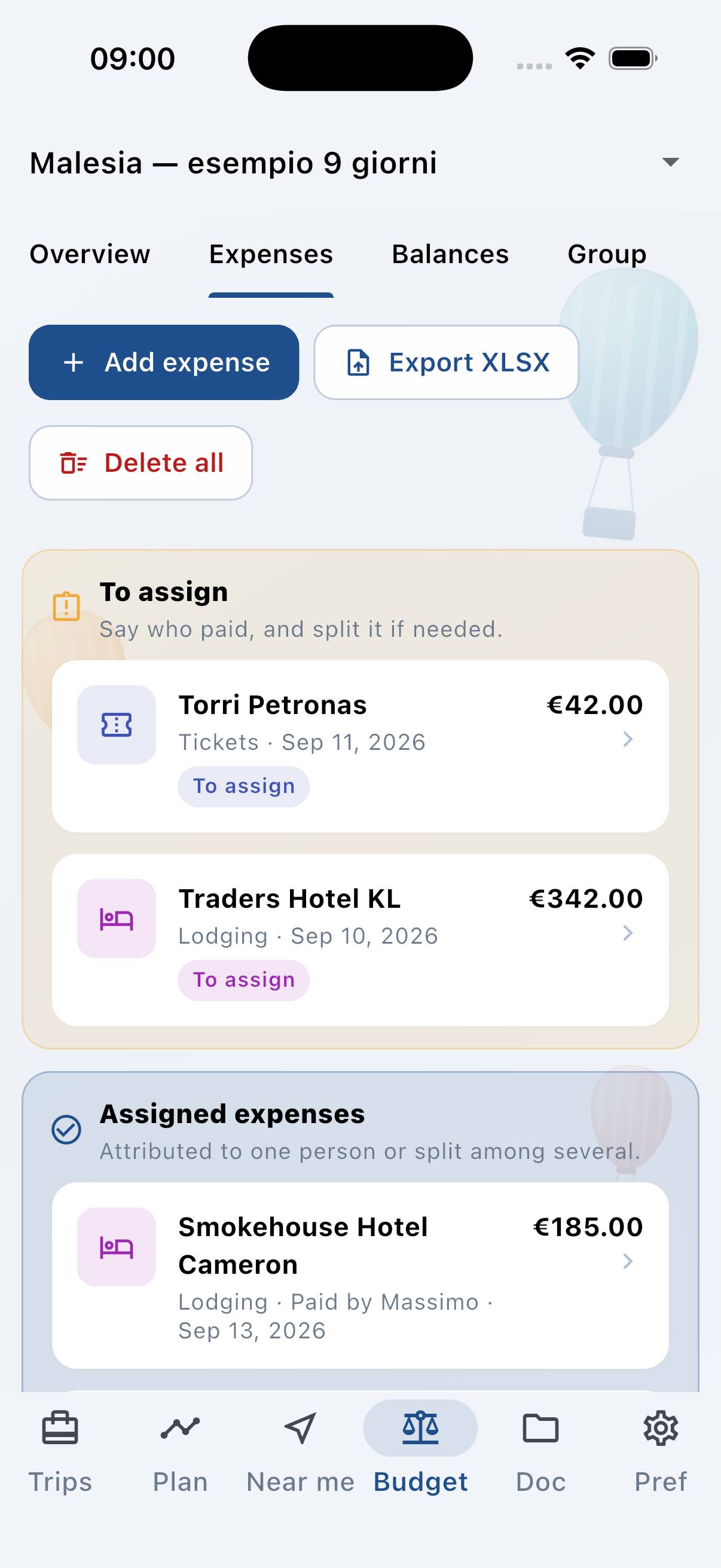
Track who paid for what and who owes whom. Balances and repayments stay in the trip — no more vacation spreadsheets.
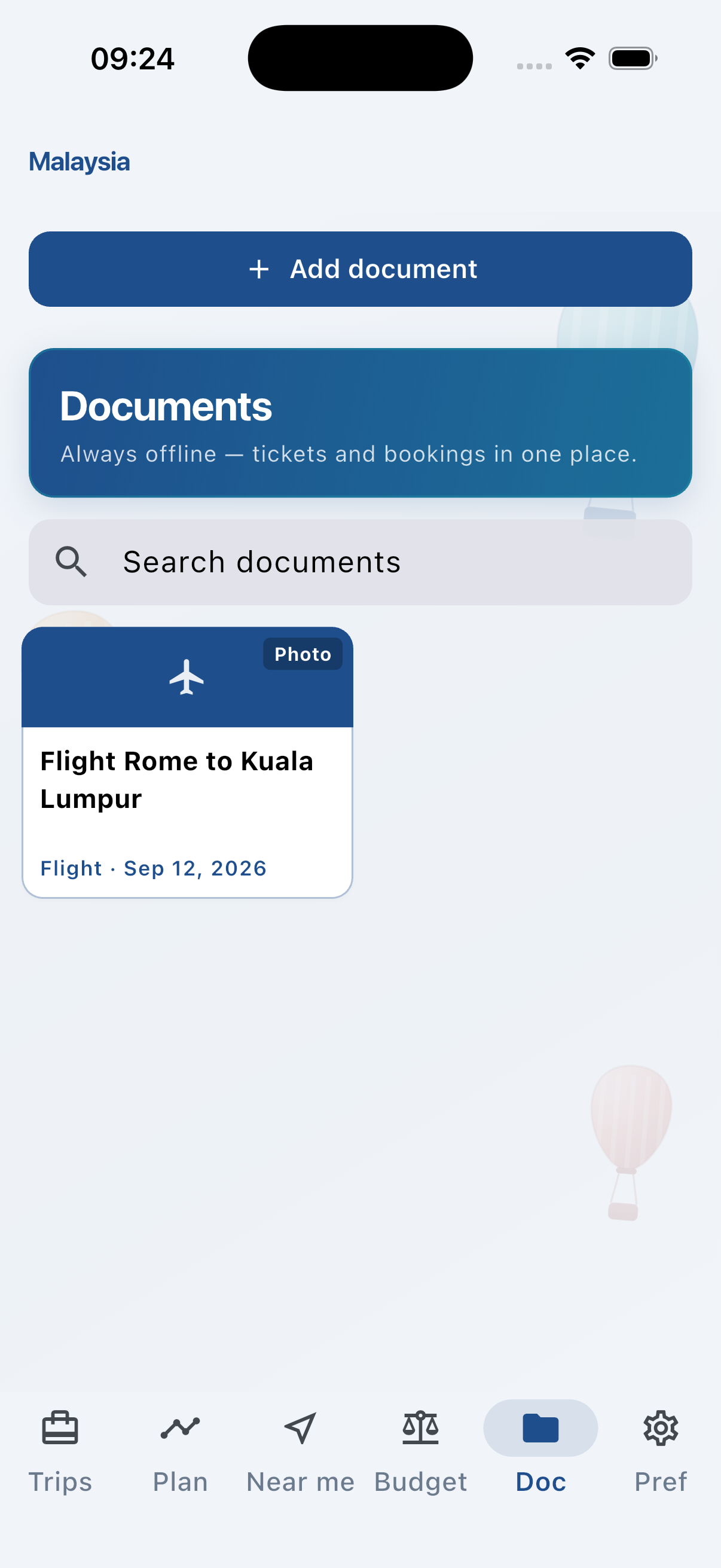
Tickets, bookings, and trip PDF reports. Import from the share sheet or camera and keep everything next to your itinerary.
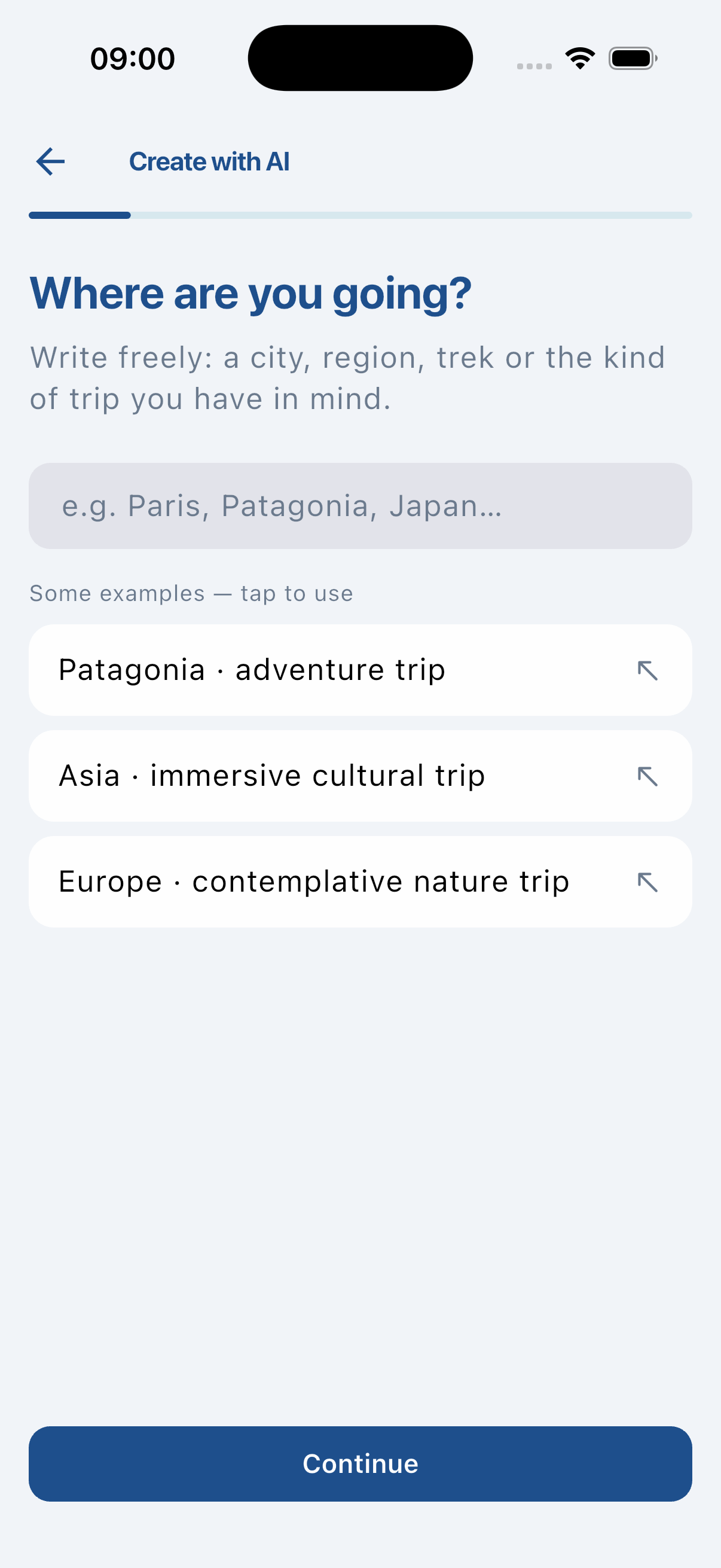
Generate an itinerary with your AI, import the JSON file into Waynex, and refine it with your group. Available on Plus and Max.
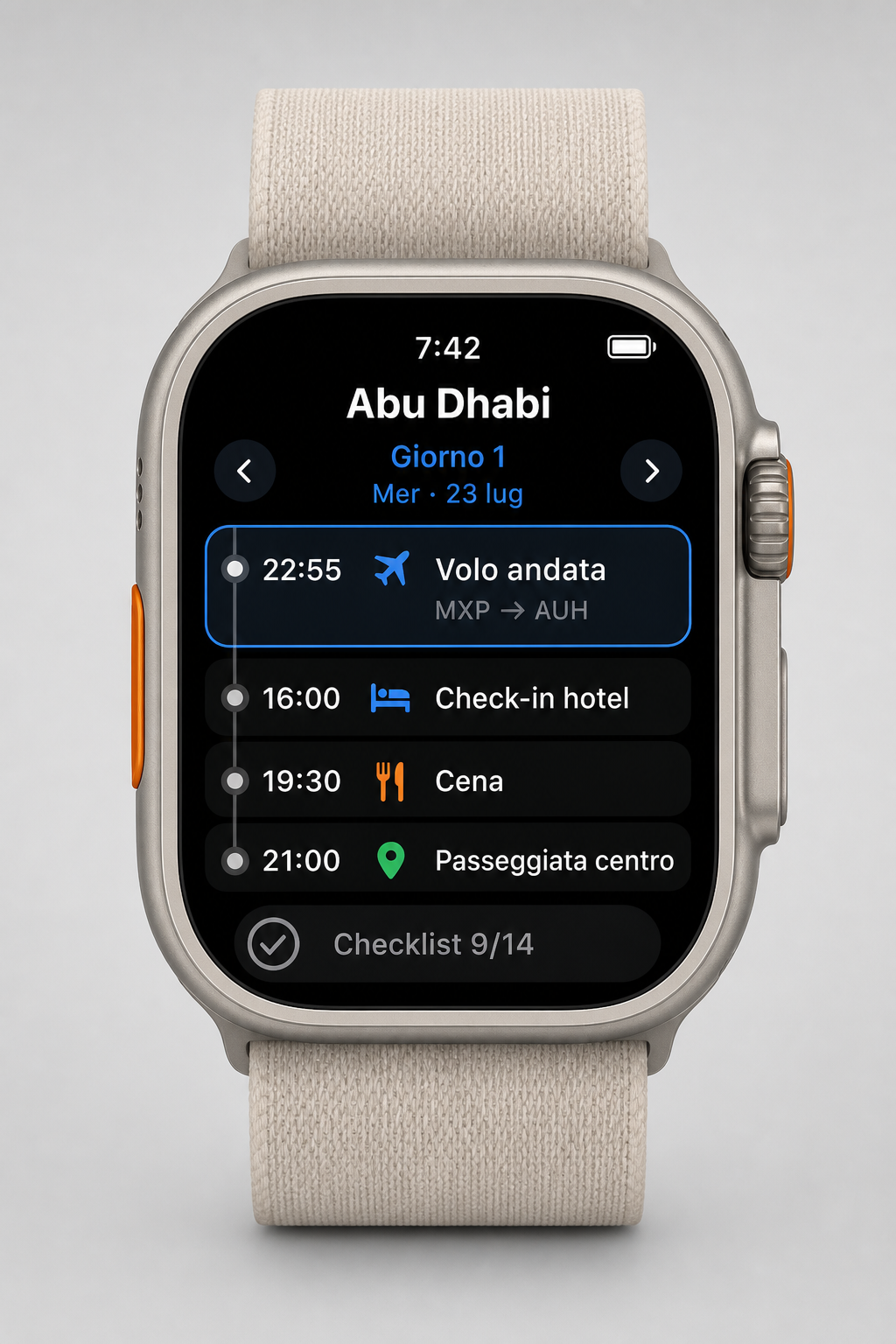
Day timeline, highlighted activities, and a checklist synced from iPhone. Perfect on the go — requires Waynex Plus or Max.
Download Waynex from the App Store and start with the included demo trip.
Download on the App Store